


Client Outreach Workflow for B2B Ops | ScaleLabs
What is client outreach in complex B2B work?
In marketing, outreach often means campaigns and drip sequences. In operations-heavy B2B, the stakes are different. Your “outreach” is every touch that reassures a customer their install, claim, or onboarding is actually moving.
When we run discovery with operations teams, we usually find that 40–60% of inbound messages from clients are simple status checks. Nothing is wrong with the work itself; the communication fabric around it just doesn’t match the reality of the workflow.
So in this context, outreach should answer three questions, over and over:
- What just happened?
- What happens next, and when?
- Is anything blocked, and who needs to act?
If your systems can’t answer those questions automatically, your team will answer them manually. Usually, by forwarding screenshots between your CRM, ticketing tool, and shared inbox.
“Your team shouldn’t be the integration between your ERP, your field app, and your clients. The workflow should be.”
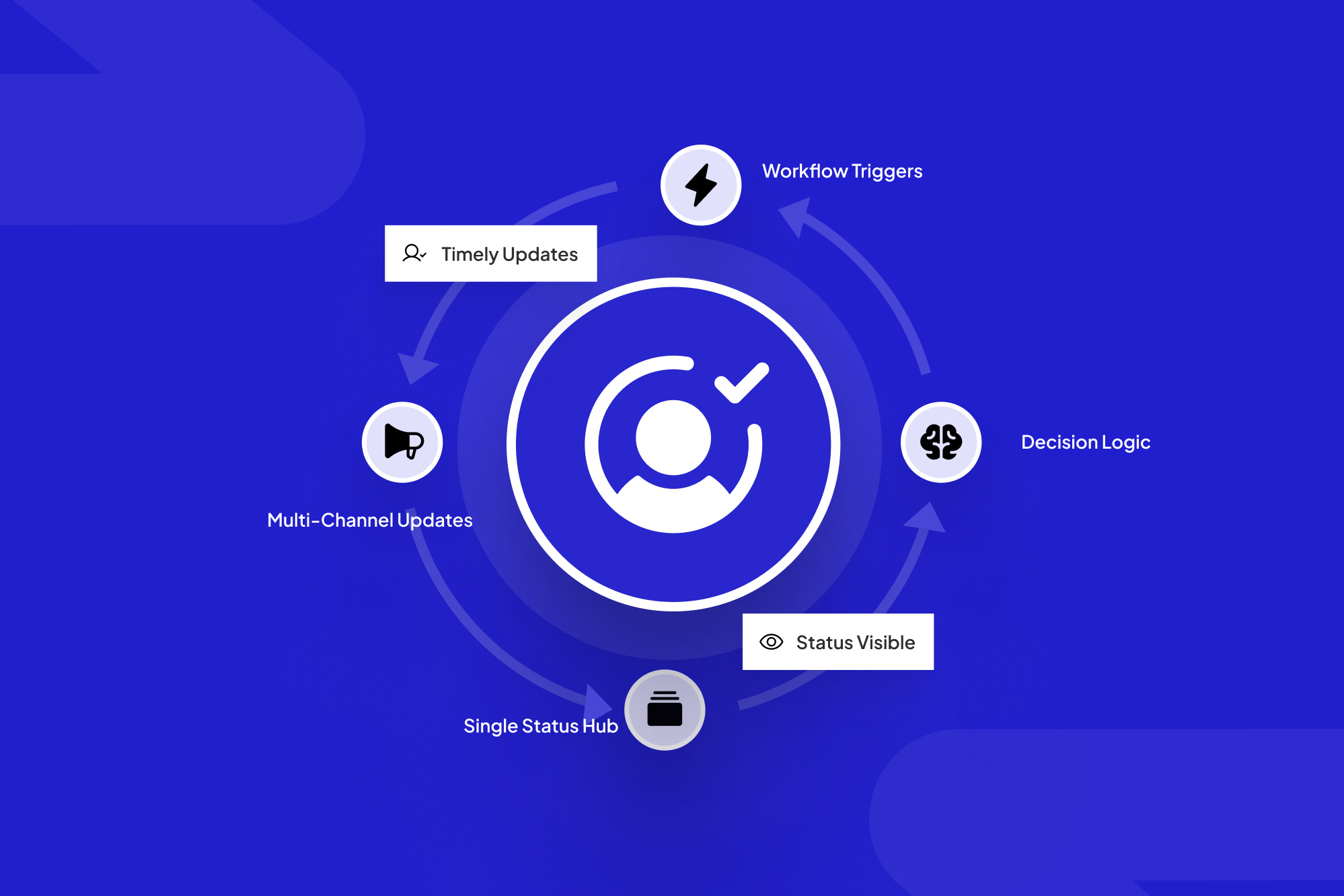
That’s where a workflow-aware communications layer comes in: one brain that listens to events across tools and turns them into clear, timely updates clients can trust.
Why generic outreach breaks for installs, claims, and onboarding
Most outreach tooling assumes a simple journey: send a message, wait for a click. But installs, claims, and onboarding look more like: intake → qualification → documentation → internal review → field work → sign-off → billing → support.
When you bolt generic campaigns onto that world, a few patterns show up quickly:
- Channel mismatch: Marketing emails are going out while project managers are texting updates from their phones, and account managers are writing custom status notes in PPT.
- No shared status language: One team says “In Progress,” another says “Assigned,” your portal says “Submitted,” and the client has no idea what any of that means.
- Zero awareness of dependencies: Automated messages promise a date even though a permit, inspection, or underwriting decision hasn’t been made yet.
- No link to the source of truth: Clients reply to the last email they saw, not the system your team actually uses to track work.
The result? More escalations, more “fire drill” calls, and a creeping sense that your team is disorganized, even when they’re working flat out.
Research from firms like McKinsey and Gartner keeps pointing to the same trend: B2B buyers want self-serve status and predictable, low-friction communication, especially once the deal is signed. Your outreach layer either supports that or fights it.
What a workflow-aware communications layer looks like
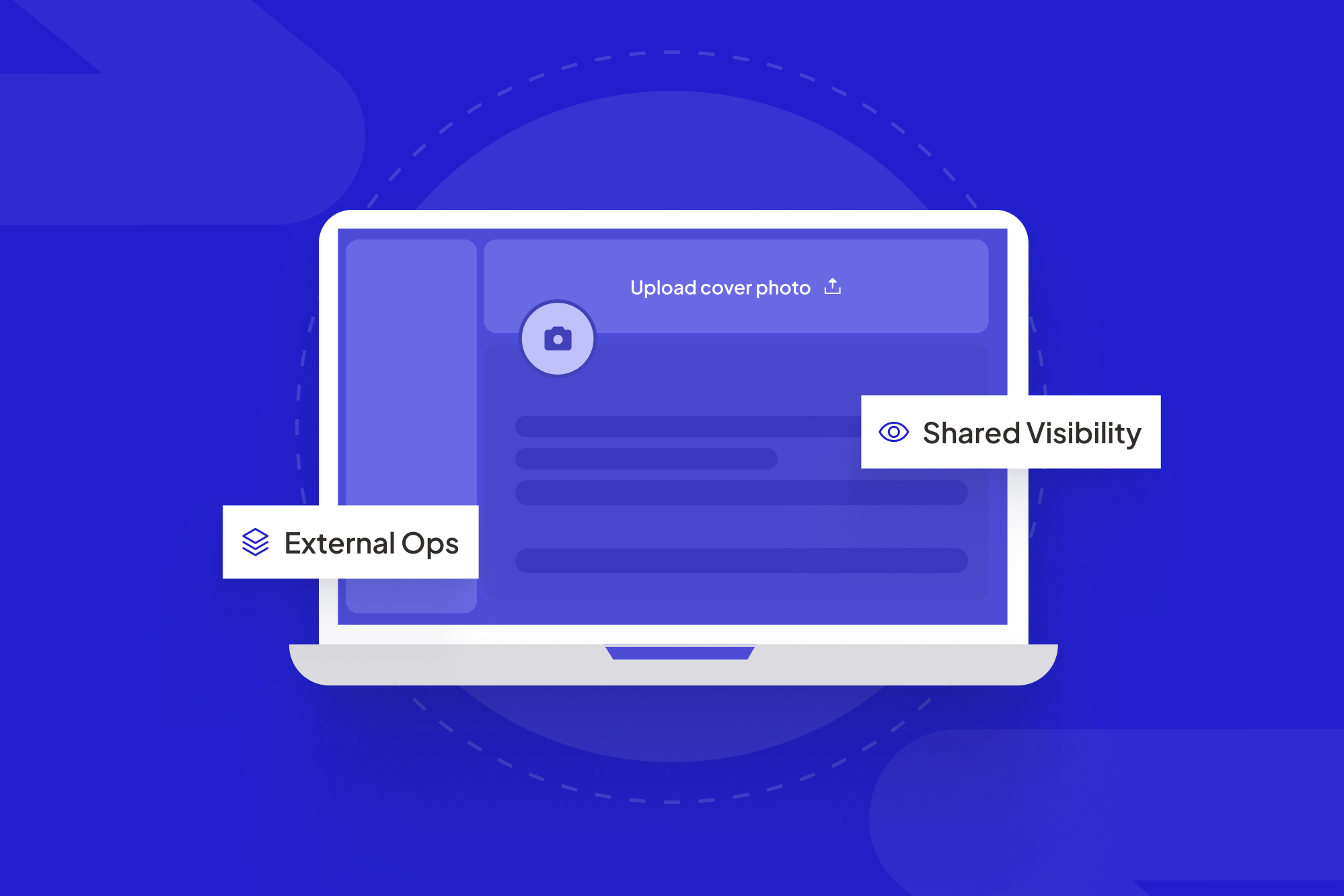
A workflow-aware layer doesn’t replace your CRM, ERP, or field tools. It sits on top of them and turns workflow events into structured, reliable outreach.
Layer 1: Workflow triggers from your core systems
First, you define the moments that matter in each journey:
- Install scheduled, rescheduled, or completed in your field system.
- Claim moved from “Intake” to “Under Review” to “Approved / Denied” in your claims platform.
- Onboarding checklist items completed in your CRM or vendor onboarding flow.
These become events that can trigger outreach. No manual “remember to email the client” tasks; the workflow itself raises its hand.
Layer 2: Decision logic and rules
Next, you add a decision layer. This is where AI and rules agree on what should happen given the event and the context. Examples:
- If an appointment moves inside a 48-hour window, send a high-priority SMS and email, not just a quiet calendar update.
- If a claim has been “In Review” for more than 5 business days, notify the client with a clear reason and expected next step.
- If onboarding is “Waiting on Client” for documents, send a gentle reminder with a link back to the portal upload step.
This layer is where ScaleLabs’ AI-driven workflow automation tends to live: checking forms, routing items, and making sure that when the state changes, so does the communication.
Layer 3: Multi-channel delivery with a single story
Finally, you decide how updates reach clients:
- Email summaries for longer-form updates and documentation.
- SMS or WhatsApp for day-of-install logistics or urgent changes.
- A self-serve client or vendor portal is the long-term home for status and files.
The key is that every channel tells the same story, using the same status language, and points back to one source of truth, usually a portal, not a coordinator’s inbox.
Designing outreach for installs, claims, and onboarding
Each journey has its own pressure points. The outreach layer should reflect that, while still sharing a common backbone.
1. Installs and field work
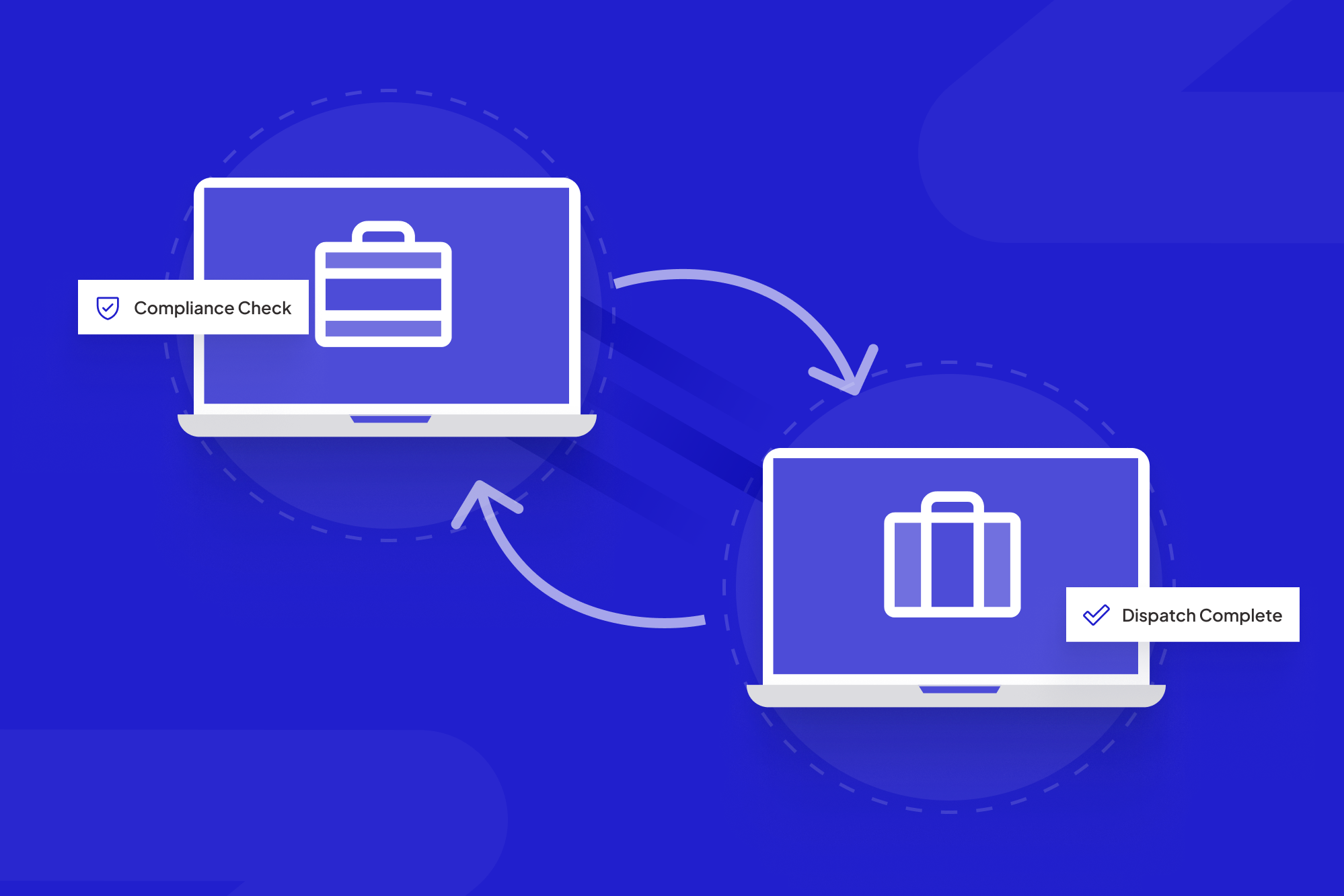
For utilities, construction, or logistics teams, the big risks are no-shows, missed windows, and “We waited all day and no one came” reviews. Outreach here should:
- Confirm dates and time windows clearly, with a link to reschedule.
- Send reminders 24–48 hours before and on the morning of the visit.
- Notify clients when a crew is running late, not after they’ve called in.
When this is wired into a portal (like the ones described on ScaleLabs’ Vendor Portal page), coordinators stop chasing phone calls and focus on exceptions instead of every single appointment.
2. Claims and issue resolution
In insurance and other regulated environments, silence during claims handling erodes trust faster than almost anything else. A workflow-aware layer can:
- Send a clear “We’ve received your claim” confirmation with a reference ID.
- Share each major status change (Under Review → Additional Info Needed → Decision).
- Trigger targeted reminders when you’re waiting on documents or approvals.
Instead of a vague “we’re working on it,” clients see which step they’re in, what’s blocking progress, and what they can do next. Your teams get fewer “nudge” emails and can focus on the tricky edge cases.
3. Onboarding and activation
Onboarding is where revenue starts leaking if communication is sloppy. Whether you’re onboarding brokers, franchisees, or large enterprise customers, the outreach layer should:
- Guide them through a clear sequence of steps with deadlines.
- Surface only the actions that are actually ready, based on internal approvals.
- Provide one place to upload documents, sign agreements, and track what’s left.
If you’ve read ScaleLabs’ piece on managing client expectations, this is the same idea applied to onboarding: set the map, standardize status, then let systems deliver consistent updates.
What to automate vs keep human in outreach
Not every touch should be automated. The art is deciding where software carries the routine work and where humans step in with judgment.
Great candidates for automationBetter kept human-led“We received your request / claim / documents” confirmationsScope changes or impact to timelines and budgetStatus moves between standard stages (e.g., Intake → In Review)Bad news, trade-offs, or complex risk explanationsReminders for overdue tasks or missing informationExecutive check-ins and quarterly reviewsWeekly roll-ups inside a portal dashboardRelationship resets after major incidents
A well-designed portal plus outreach layer means routine signals happen automatically, while your best people spend their energy on context and trust.
Implementation roadmap for ops teams
You don’t need a giant transformation program to get started. In fact, the fastest wins usually come from one carefully chosen journey.
Step 1: Map the real workflow
Bring operations, account management, and support into a room. Map the client-visible journey for one use case (say, installs) from “Signed” to “Stable.” Mark:
- Key milestones the client cares about.
- Where you depend on their input.
- Where work tends to stall today.
Step 2: Define your status language and channels
Decide on a small, shared set of statuses (Planned, In Progress, Waiting on Client, In Review, Completed) and which channels you’ll use for what. This mirrors the framework in our article on client expectations.
Step 3: Wire 3–5 high-impact triggers
With help from your internal team or a partner, connect your core tools so they emit events at key points (e.g., job scheduled, date changed, claim approved). For each, define:
- Who should be notified?
- Which channel to use?
- What link should bring them back to the source of truth (usually a portal).
Step 4: Move status into a portal
Once you’ve proved the pattern, graduate from email-only updates to a proper status hub. Many teams start with a simple client or vendor portal, then expand into deeper workflows like those described across the ScaleLabs blog.
Metrics that show if your outreach layer is working
Outreach should feel better, but it should also show up in numbers. A few metrics our clients track:
- Share of inbound messages that are status-only: If this drops, your layer is doing its job.
- Average time between key stages: For installs, claims, or onboarding, shorter gaps usually mean clearer communication and fewer stalls.
- No-show rate or missed appointment windows: Good reminders and updates should move this meaningfully.
- Workflow completion rate in your portal: How many journeys reach “Completed” without coordinator intervention?
- Client satisfaction on communication: A simple CSAT or NPS question focused only on “How clear were our updates?” can be very telling.
If you want a deeper dive on measurement, the article on customer satisfaction metrics is a good companion read.
How ScaleLabs builds this communications layer
ScaleLabs works with operations-heavy B2B teams that run on email, spreadsheets, and legacy tools but can’t slow down to rebuild everything from scratch. Instead of dropping in a generic product, we:
- Map your installs, claims, or onboarding workflows with the people who live them every day.
- Design AI- and rules-driven triggers that reflect your real constraints and SLAs.
- Ship a production-ready portal plus an outreach layer that connects to your CRM, ERP, and finance stack.
The goal isn’t more messages. It’s fewer “Where are we at?” emails, faster handoffs, and a calmer team that trusts the system to keep clients informed.
If you’d like help sketching this for your own operation, you can book a call with ScaleLabs and walk through real examples from teams like yours.
Key takeaways
- In ops-heavy B2B work, communication gaps—not capability gaps—drive most frustration.
- A workflow-aware outreach layer connects your tools, status language, and channels into one story.
- Start with one journey (installs, claims, or onboarding), then expand as the wins become obvious.
- Let automation handle confirmations, reminders, and standard status changes so humans can focus on nuance.
- Portals plus smart outreach turn your team from status translators into true operators again.
